Technical Diagramming
Industry Use Case: Workflow Diagrams in Manufacturing



AI Workspace for Diagrams & Collaboration
Get your team started in minutes
Sign up with your work email for seamless collaboration.
Manufacturing is the industry where precision and teamwork rule the day. A seamless sequence of actions is what determines the quality of the products manufactured at every stage from sourcing and processing to assembling and checking. Workflow diagrams are used to depict this sequence and to demonstrate how tasks, teams, and machines interact in order to yield consistent results.
They help to simplify the complex production cycles into visuals that are easy to understand and can also enhance communication, reveal inefficiencies, and ultimately lead to continuous improvement in the entire operation.
Create your own production map using the Business Workflow Diagram Template or take a look at the Workflow & Process Diagram Maker to make process visuals for your factory systems.
Workflow diagrams greatly facilitate the transfer of items from concept to implementation. They enable the interdepartmental cooperation to be depicted, the quality control stages to be monitored, and the production timelines to be supervised simultaneously.
The manufacturer is allowed to quickly recognize the waste, better allocate the resources, and maintain the quality through the entire production process and in different locations with a single visual representation that links all the people, processes, and machines together.
Key advantages:
Workflow diagrams can streamline every phase of manufacturing from raw material handling to final product delivery. They make complex systems transparent and measurable, allowing managers to balance efficiency with quality.
Common applications:
Each of these workflows can be designed quickly using the Business Workflow Diagram Template or enhanced with root cause tracking through the Fishbone Diagram Template.
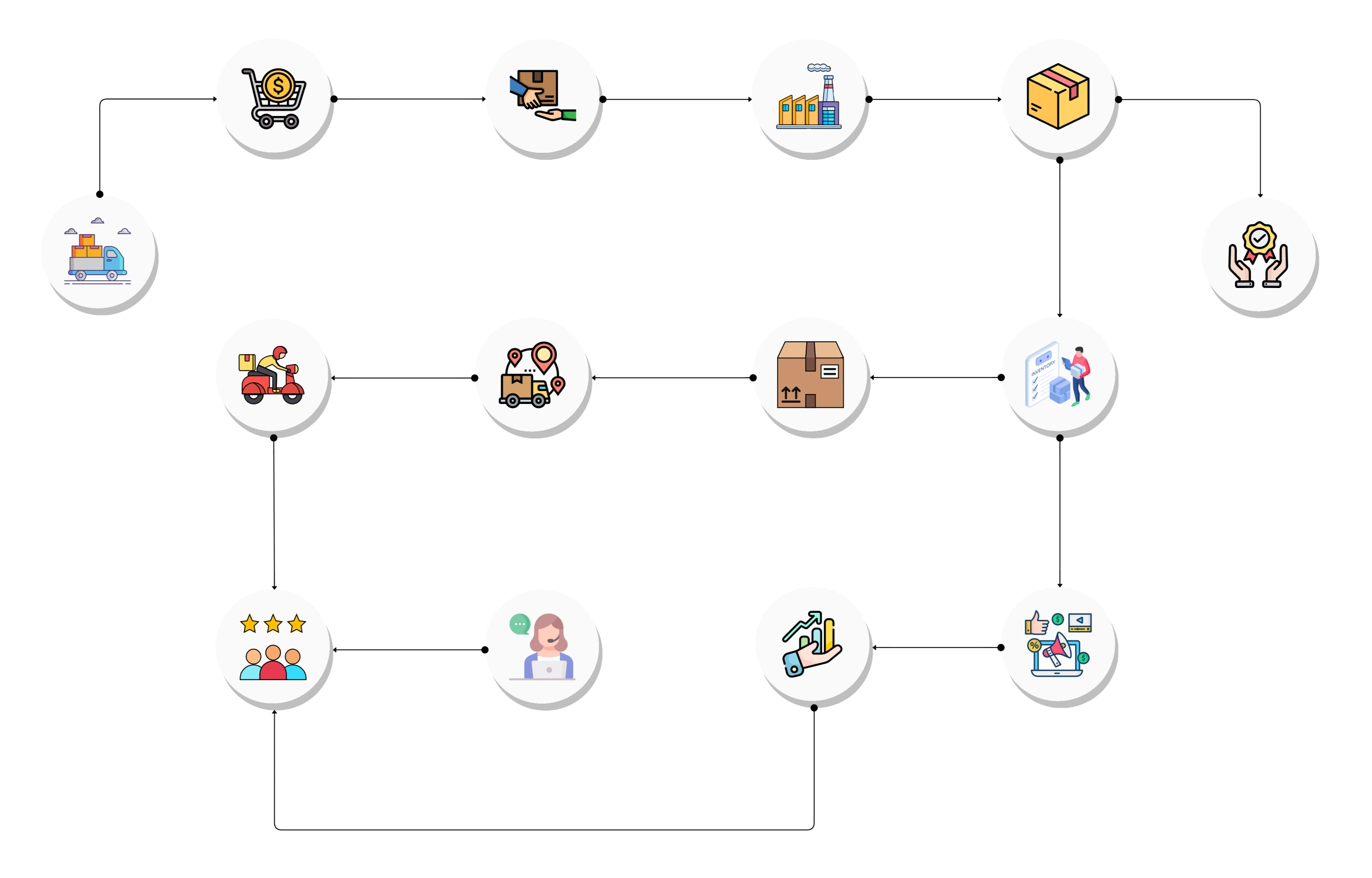
Lean manufacturing and Six Sigma both depend on process visibility. Workflow diagrams help teams implement these methodologies effectively by making value streams, waste points, and process variations clear at a glance.
Teams can use workflow visuals to identify non-value-added activities, standardize work instructions, and design corrective loops that sustain long-term efficiency.
Integration examples:
Creating a workflow diagram for manufacturing is simple when using a structured approach. It ensures that every process step, role, and checkpoint is accurately represented.
Get started instantly with Cloudairy’s Workflow & Process Diagram Maker optimized for technical and operational workflows.
A workflow diagram in an automotive assembly line may indicate points for chassis, body, paint, and final inspection, and show links in between them.
Supervisors rely on this diagram for monitoring the progress, managing changeovers, and controlling the upstream error that won’t affect the downstream side. These visuals finally become quite a documentation tool for training and process auditing over time.
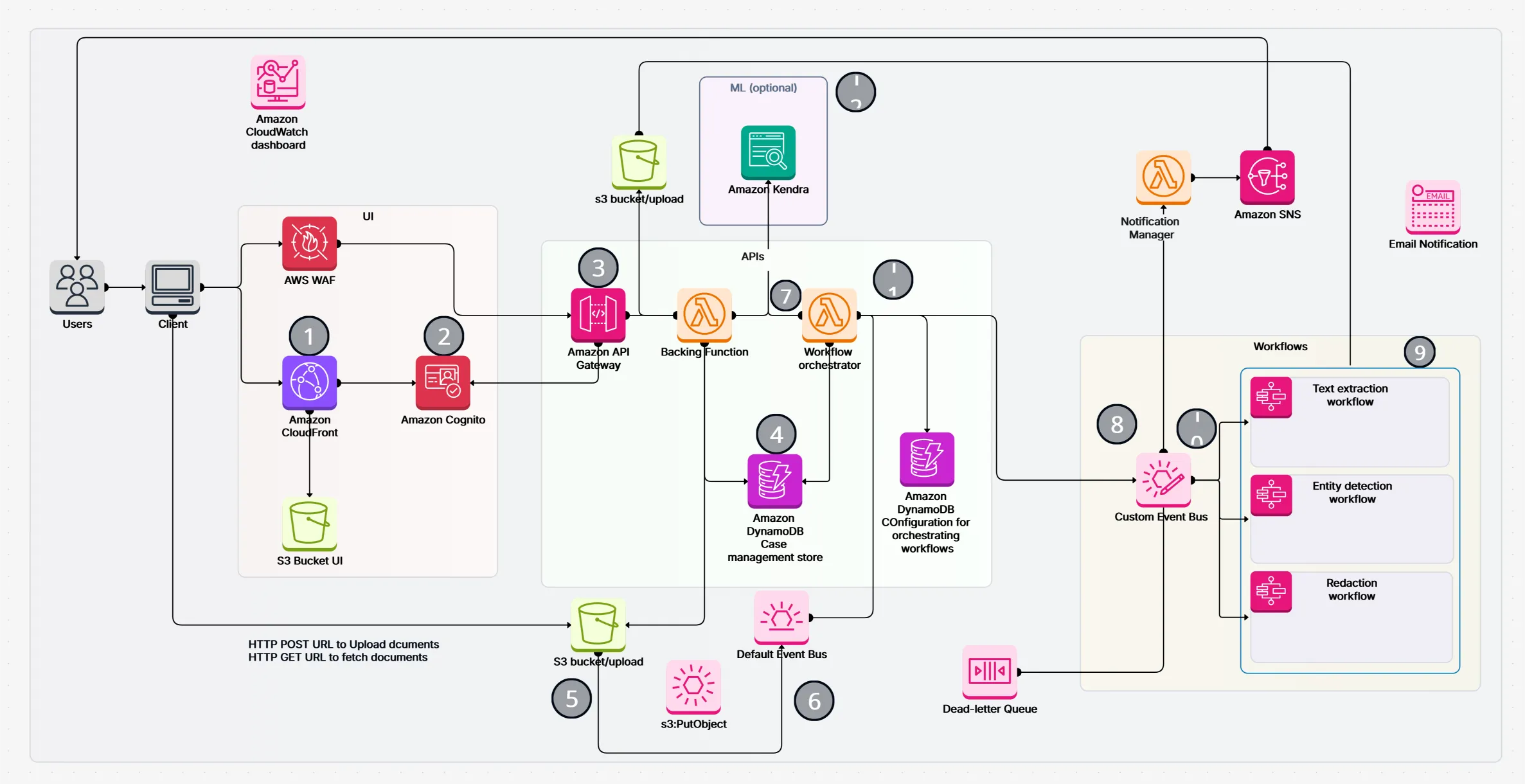
Workflow diagrams are crucial for achieving operational clarity in manufacturing. They provide a unified visual that links people, machines, and systems, and at the same time supports the three major aspects of manufacturing namely: efficiency, compliance, and innovation.
Use the Business Workflow Diagram Template or the Workflow & Process Diagram Maker to create, refine and standardize your manufacturing processes. For basics, check out the Workflow & Process Diagrams Guide.
1. What’s the main benefit of workflow diagrams for manufacturers?
2. Can workflow diagrams replace value stream maps?
3. Are workflow diagrams useful for digital manufacturing or Industry 4.0 setups?
4. How do workflow diagrams improve quality assurance?
5. Can these workflows integrate with ERP or MES systems?
Start using Cloudairy to design diagrams, documents, and workflows instantly. Harness AI to brainstorm, plan, and build—all in one platform.
Table of Contents

Introduction
 Manage all your work in one placeCollaborate with your teamUse Cloudairy for FREE—forever


 Related Articles
.webp)